
Choosing the best Wireless Sensor is less about buying the newest model and more about matching its limits to the job. A unit measuring greenhouse humidity faces different demands from one tracking vibration on a factory motor. Range, accuracy, battery life, operating temperature, and network compatibility all matter. So does installation. A sensor that needs frequent calibration may become costly, even when its purchase price looks attractive.
Internet of Things pioneer Kevin Ashton captured the value of sensing in a widely cited line: “If we had computers that knew everything there was to know about things—using data they gathered without any help from us—we would be able to track and count everything, and greatly reduce waste, loss and cost.” That vision depends on practical choices. Can the device collect the right data? Will its signal reach the gateway through walls or metal equipment? Can staff replace its battery without disrupting operations? Small details count.
This guide will help you compare sensor types, communication protocols, power needs, accuracy, and total ownership costs. It will also look at environmental conditions and data security, because reliable measurements are only useful when they arrive safely and on time. A datasheet can make a product seem ideal. Real sites are messier. Testing one sensor in the actual location may reveal a blind spot that specifications cannot. Expect trade-offs, and leave room to revise your choice.
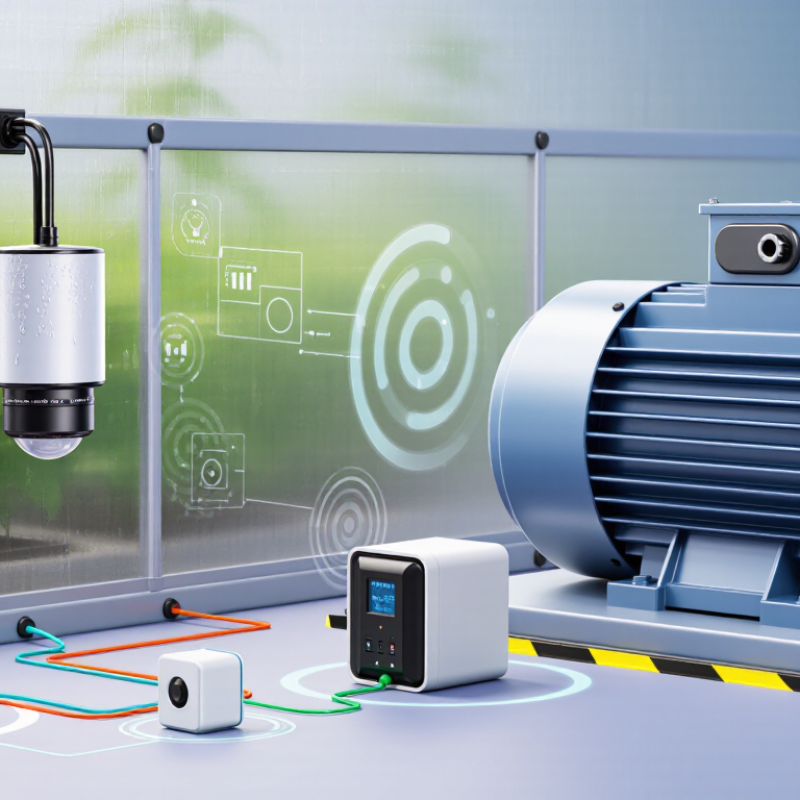
Define the measurement before comparing wireless sensors. Decide what must be measured, across what range, and how quickly readings must arrive. A cold-room alarm may need reliable readings near a threshold; a water-leak sensor needs fast detection, not laboratory-grade precision. NIST Technical Note 1297 explains that a coverage factor of 2 commonly corresponds to roughly 95% confidence when reporting expanded measurement uncertainty. Check the sensor’s stated accuracy, calibration method, response time, and sampling interval. A precise number is not useful if it arrives too late.
Then map the operating environment in detail. Record temperature swings, humidity, dust, vibration, cleaning routines, and the distance to the receiver. Metal shelving and concrete walls can weaken radio signals, so test the actual installation path rather than trusting an open-room range.
For indoor humidity monitoring, the U.S. Environmental Protection Agency advises keeping relative humidity ideally between 30% and 50%, and below 60%.
That range can help define a useful measurement span, but it does not fit every site. I would still question any specification that looks perfect on paper. A sensor near a warm motor, for example, may report the motor’s heat more than the room’s. Check placement, then test under real operating conditions.

Choosing a wireless sensor starts with the variable you need to measure, not the radio connection. A wireless link only sends readings; it does not determine whether those readings are useful. Temperature and humidity sensors suit rooms, storage areas, and greenhouses. Check their operating range and stated accuracy, especially where readings may approach freezing or condensation.
Pressure sensors measure force across a surface or within a system, while motion sensors detect movement or vibration. Gas sensors estimate the concentration of specific gases, but they are not universal detectors. Soil sensors can track moisture and temperature near plant roots. A common field mistake is placing a sensor where it is easy to reach rather than where the condition actually matters. Small placement differences can change a reading.
Compare measurable range, resolution, response time, and calibration needs. Resolution is not the same as accuracy. A display may show many decimal places while still being poorly calibrated. Consider sampling frequency, battery life, and signal coverage too. Fast vibration changes may require frequent samples, while a storage-room temperature trend may not. Real conditions are messier. Dust, sunlight, airflow, and wet surfaces can distort readings, so test the sensor in its intended location before relying on its data.
Compare common sensor types by their typical measurement output channels.
A three-axis accelerometer typically reports acceleration along the X, Y, and Z axes; the other examples shown commonly provide one primary measurement. Actual outputs vary by sensor model. Choose a sensor based on the physical variable you need to measure, its required range and accuracy, and the environment where it will operate.
Wireless range is not a single number on a specification sheet. Walls, metal cabinets, moving equipment, and antenna placement can all weaken a signal. Measure at the sensor’s actual mounting point, then test during normal building activity. A signal that works beside the gateway may fail behind a full water tank. I still find range estimates deceptively neat. Leave a margin for obstacles and seasonal changes, and avoid choosing a longer-range radio before checking whether the site truly needs one.
Connectivity should match the data and infrastructure. Wi-Fi can suit powered sensors sending frequent readings; low-power wide-area networks may fit small, infrequent messages across larger sites. IoT Analytics estimated 18.8 billion connected IoT devices worldwide by the end of 2024, underscoring how varied deployments have become. GSMA’s Mobile Economy 2024 report projected licensed cellular IoT connections would rise from 3.5 billion in 2023 to 5.8 billion by 2030. These figures describe market growth, not a guarantee that one network will work everywhere. Check coverage, gateway capacity, interference, and how quickly alerts must arrive.
Power needs deserve the same scrutiny as range. A battery sensor sending a reading every minute may need a different design from one reporting hourly. Estimate battery life using the planned reporting interval, transmission strength, sleep time, and cold-weather conditions. Then test a sample unit for several days. Real-world battery life can disappoint, especially when retries increase. Don’t treat a quoted lifespan as a promise.
A wireless sensor should fit the conditions it will actually face, not just the figures on its specification sheet. Check accuracy across the expected temperature, pressure, or humidity range. A reading that looks precise in a quiet room may drift near a heater or vibrating machine. Compare measurements with a trusted reference, and repeat the test after installation. Small errors add up.
Then examine durability and compatibility. Will the sensor tolerate dust, moisture, vibration, and routine cleaning? Look for clear operating limits and a housing suited to the location. Check its communication range through walls and around metal equipment; advertised distance rarely matches a crowded building. Confirm that its output works with your gateway, software, and power supply. Test a sample setup before buying several units. I still find this step easy to overlook.
Security deserves the same attention as performance. Ask whether data is encrypted in transit, access can be limited to authorized users, and software updates are supported. Change default credentials during setup, and restrict network access where practical. Keep records of calibration and maintenance dates. It takes a little effort. But a sensor that reports faithfully, survives its setting, and connects securely is more useful than one with impressive numbers alone.
A wireless sensor’s purchase price is only the visible part of its cost. Include installation, gateways, network fees, calibration, and staff time in your comparison. A sensor mounted on a high ceiling may need a lift for every battery change. That labor can outweigh the price difference between two devices. Small details matter.
Battery-powered sensors often suit locations without nearby wiring, but battery life depends on reporting frequency, signal strength, and temperature. Check replacement costs and whether batteries are easy to access. Mains-powered models can reduce battery visits, though installation may require an electrician or new cabling. Energy-harvesting options can limit battery work, but their output may vary with light, vibration, or heat. Ask for realistic performance data from conditions like yours, not ideal test settings.
Maintenance also includes more than replacing parts. Consider how the system flags a weak signal, stores readings during outages, and supports calibration checks. These tasks take time. I used to compare only unit prices; that was a poor shortcut. A simple spreadsheet can estimate three to five years of ownership, but labor and downtime are easy to undercount. Record assumptions clearly, then revise them after a small pilot. One site may surprise you.
Typical planning estimates in USD for common battery-powered monitoring applications. Actual costs and battery life vary with sensor type, reporting frequency, radio conditions, environment, and supplier.
| Wireless option | Typical sensor cost | Additional infrastructure | Connectivity cost | Typical battery life | Likely maintenance needs | Estimated 3-year cost per sensor | Best suited for |
|---|---|---|---|---|---|---|---|
| Wi-Fi | $15–$60 | Usually an existing access point; a new one may cost $50–$150 and serve multiple sensors. | Usually no per-sensor fee if existing internet is available. | Several months to about 2 years; frequent transmissions can shorten it substantially. | Battery checks or replacement may be needed every few months to 2 years; verify Wi-Fi coverage and network changes. | About $15–$75, excluding installation and labor. | Sites with reliable Wi-Fi, mains power, or frequent data updates. |
| Bluetooth Low Energy (BLE) | $10–$40 | A nearby phone or BLE hub may be needed for remote monitoring; a hub can cost $50–$200. | Usually no radio-service fee; remote access may require a hub and internet connection. | About 1–5 years for low-duty-cycle sensors. | Periodic battery checks, typically every 1–5 years; confirm a phone or hub regularly collects readings. | About $10–$60, assuming an existing phone or shared hub. | Short-range sensing, room-level monitoring, and phone-based data collection. |
| Zigbee or Thread | $15–$50 | A compatible coordinator or border router is generally required; typical hub cost is $50–$200. | Usually no per-sensor cellular fee; internet access may be needed for remote control or reporting. | About 1–5 years for low-power end devices; mains-powered routers do not rely on batteries. | Battery checks every 1–5 years; maintain the hub and check mesh coverage if devices are added or moved. | About $20–$70 with a shared hub. | Homes and buildings needing a low-power local network across multiple devices. |
| LoRaWAN | $25–$100 | A gateway may cost $100–$500 and can support many sensors; public network coverage may avoid buying a gateway. | Private networks may have no per-device service fee; managed network services may charge a subscription. | About 2–10 years with infrequent, small data transmissions and suitable coverage. | Battery checks every 2–10 years; inspect gateway power, backhaul, and coverage. | About $39–$186, including an allocated gateway share or a modest managed-service allowance. | Long-range, low-data-rate monitoring across farms, campuses, or remote sites. |
| Cellular (LTE-M or NB-IoT) | $30–$120 | No local gateway is usually required; the sensor needs compatible cellular coverage. | Typically about $2–$15 per month per device, depending on plan and data usage. | About 6 months to 5 years; signal strength, reporting frequency, and network behavior have a major effect. | Battery checks may range from twice a year to every few years; monitor subscription status and cellular coverage. | About $102–$660, including 36 months of service. | Widely distributed or mobile sensors where installing a local gateway is impractical. |
Cost estimates are illustrative per-sensor totals over three years. Shared gateway costs are allocated across a small deployment; actual allocation depends on the number of sensors. Estimates exclude installation, staff labor, calibration, repairs, taxes, and replacement sensors. Sensor calibration schedules depend on the measured variable and the required accuracy.
Precision Cable Assemblies
16830 Pheasant Drive
Brookfield, WI 53005
Phone: 262-784-7887
Fax: 262-784-0681